Tutorial: Using the Software-Defined Mode
In addition to its normal mode of operation, the modem also supports a software-defined mode. In this mode, you are able to directly transmit and receive waveforms via the modem.
We implemented a custom GNU Radio module for interacting with the modem in this mode. The module provides the following two block:
- ahoi Sink: Sends a waveform given as a stream of samples via the TX circuitry of the modem
- ahoi Source: Outputs a waveform measured by the RX circuitry of a modem as a sampled signal
Preparation
The software-defined mode operates at significantly higher baud rates than the normal mode of operation. When using USB-to-UART converters with long cables like the TTL-232R-3V3, the capacitance of the cable distorts the UART signal too much for communicating at those high baud rates. Instead, we recommend either using a USB-to-UART converter with a short signal path like the Adafruit FTDI friend or simply shortening the cable as shown here:
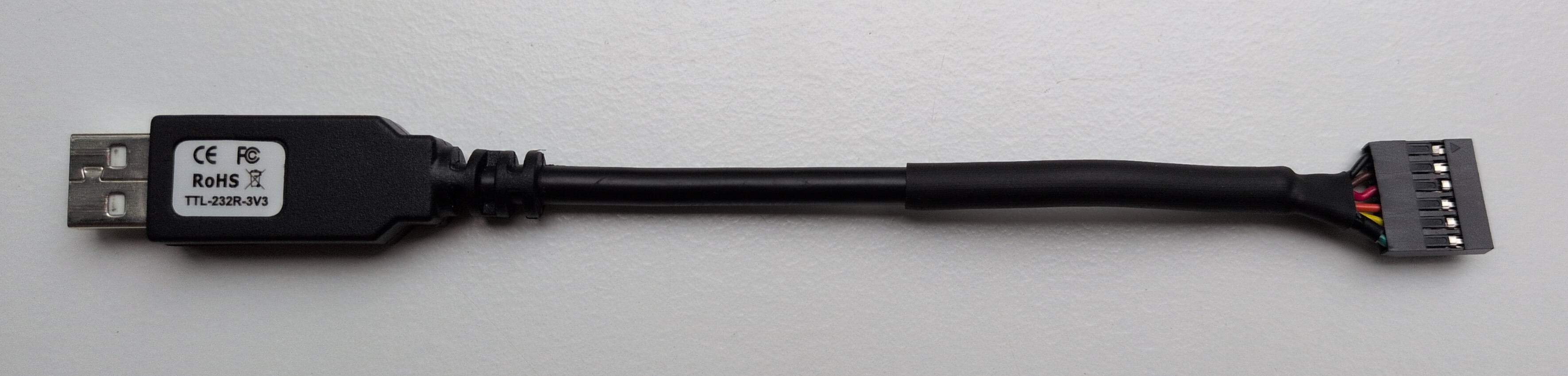 Figure 1: Picture of the TTL-232R-3V3 with shortened cable.
Further, the software-defined mode was only added recently, make sure you have the latest firmware version from our Downloads page installed.
Installation and Getting Started
Follow the instructions in the gr-ahoi repository (see Git Repositories) for installing the module and starting GNU Radio Companion (GRC).
Within GRC, open ahoi_receive.grc from the examples folder in the repository.
If your installation was successful, you should see a flow graph consisting of an ahoi Source and QT GUI Sink block:
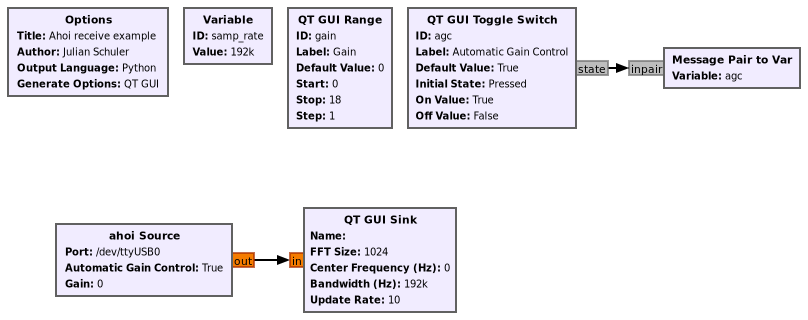 Figure 2: Flow graph of the receive example.
Connect the ahoi modem to your PC and power as described in the Hello, World! Tutorial and execute the flow graph using the play button or F7.
A window should open showing a frequency analysis of received hydrophone signal. In addition to the signal view, you also find a toggle for the inbuilt Automatic Gain Control (AGC) of the modem and a slider for adjusting the receiver gain.
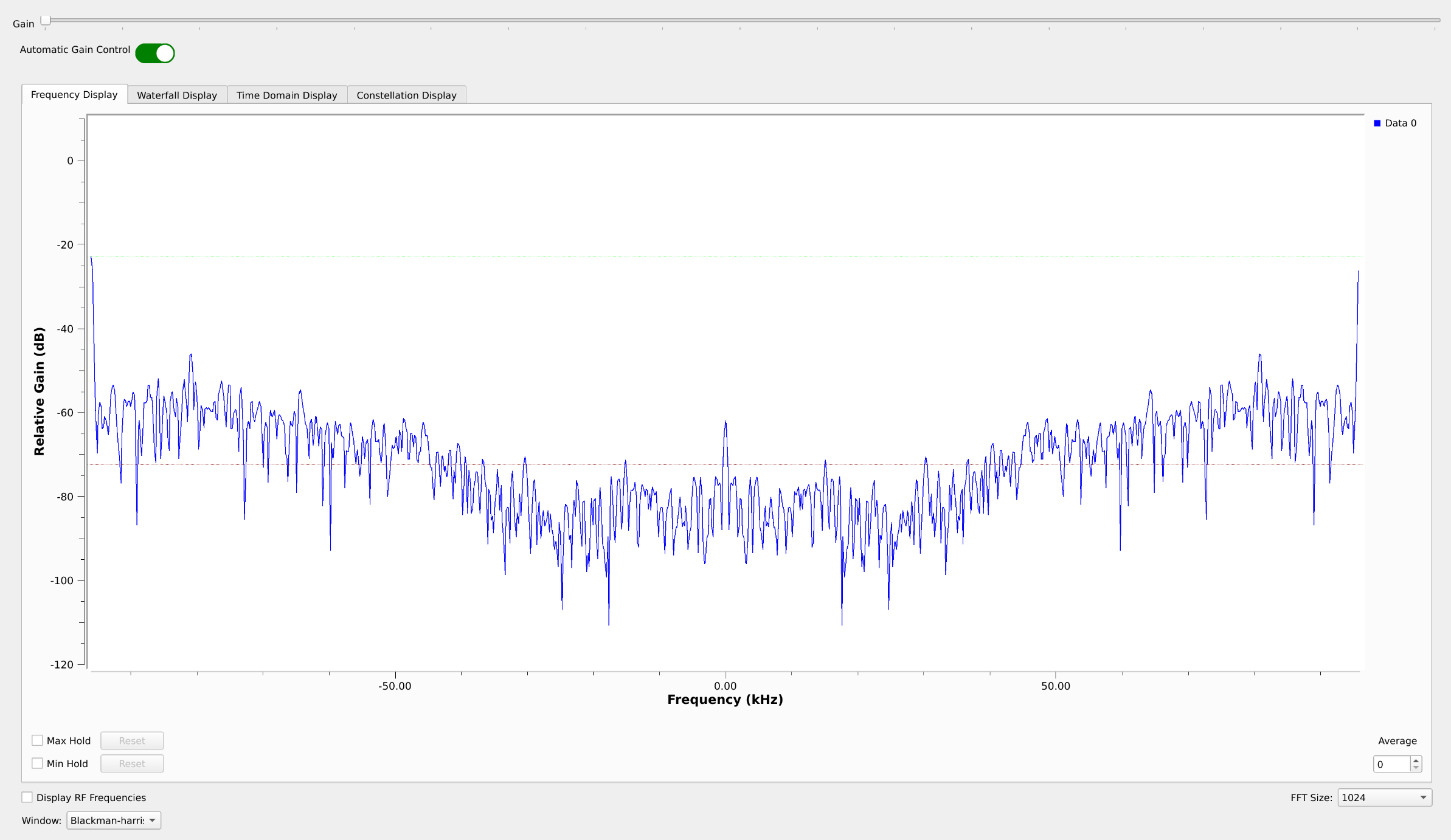 Figure 3: GUI of the receive example.
You are now ready to connect the ahoi modem to your own GNU Radio flow graphs!